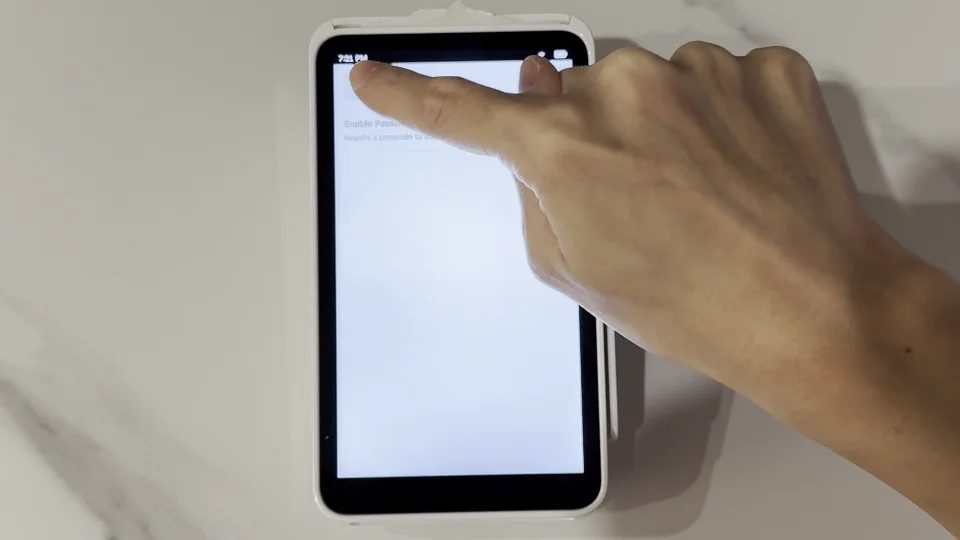
How do I lock the Square Terminal screen?
If you want to keep customers out of your account settings, you can lock the Square Terminal with a passcode so only you and your team can get into the settings menu.
Before you start, make sure your Square Terminal is connected to KioskBuddy. If you need help with that, check out this help article.
How to Lock the Square Terminal link
Swipe right on the Terminal screen to open the settings menu.
Tap Settings.
Tap Security.
Toggle on Enable Passcodes. Enter your passcode.
To bring the screen back for KioskBuddy payments, tap the back arrow. Then tap the menu icon (the three lines) and tap Checkout.
Customers will now need a passcode to get into your account settings.
Press O for more options