How to restart your Square Stand
Sometimes, you may run into issues with your Square Stand, whether that's from things like firmware updates or iOS updates. Or your Square Stand might not light up properly at payment time. Restarting the Square Stand ensures the device is fully refreshed and running the latest configuration, which resolves most common problems.
You can restart your Square Stand from the KioskBuddy Dashboard, KioskBuddy app, or Square POS app.
To be able to restart your Square Stand from the KioskBuddy Dashboard or KioskBuddy app, you must be on KioskBuddy v4.3.1 or later.
Restart your Square Stand from the KioskBuddy Dashboard link
If you're not able to access your kiosk in person, you can restart your Square Stand remotely from the KioskBuddy Dashboard.
Navigate to the Kiosks page on the KioskBuddy Dashboard
Click on the name of your kiosk to open up the Kiosk Status Monitor page
Scroll down to the Payment Devices section
Click Reboot Reader

Restart your Square Stand from the KioskBuddy app link
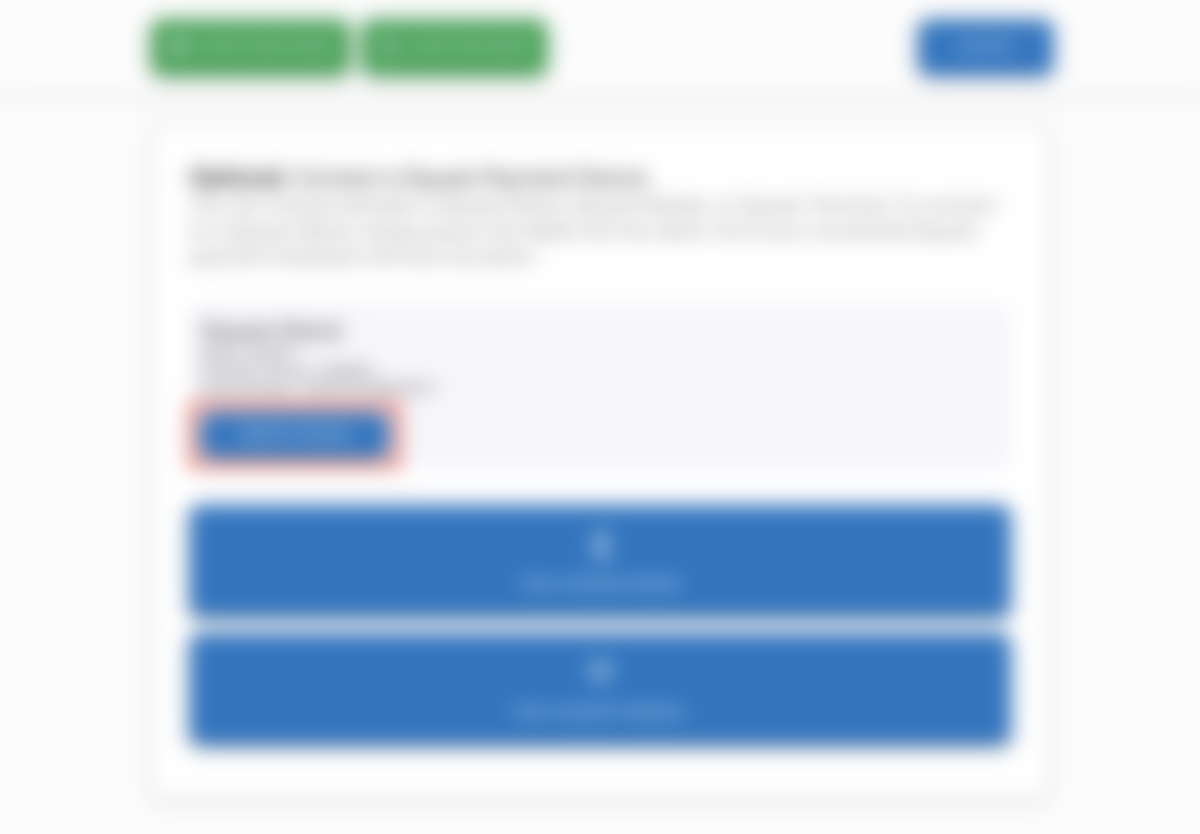
To restart your Square Stand from the KioskBuddy app, first exit kiosk mode. Then, scroll down to the Connect a Square Payment Device section and click on the Reboot Reader button.
Restart your Square Stand from Square POS link
To restart your Square Stand from Square POS, open up the Square POS app, then navigate to Settings > Hardware > Square Stand > then push the Restart Square Stand button.
